
courier
A desktop app for transferring data between machines on the same network, using WebSockets (RFC 6455) for full-duplex text and binary transfer.
#python #developer-tools / python · qt · websockets
The idea
Moving data between machines on the same network usually means USB sticks, cloud round-trips, or remembering scp syntax. Courier is a Python + Qt desktop app that moves text and binary data directly over the LAN.
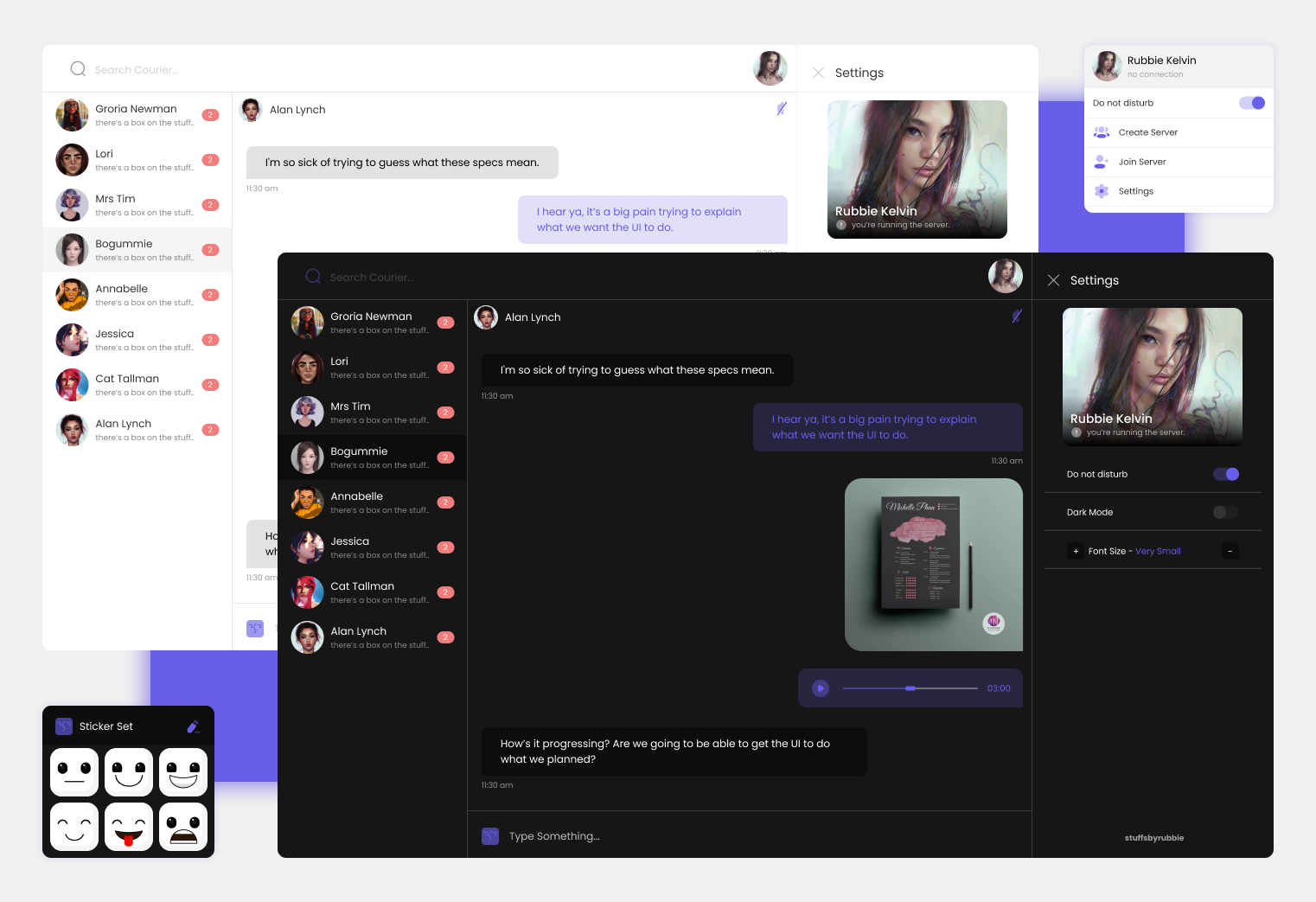
The UI came first
The interface was designed in Figma before a line of Qt was written; the design file is linked above. Building against a target instead of growing organically is the difference between a tool and a toy; Courier’s UI stayed coherent because it was specified before implementation.
The transport
WebSockets, standardized as RFC 6455: full-duplex communication over a single TCP connection. No custom wire protocol to invent, document, and debug: the standard does the heavy lifting, and both sides of the transfer speak it natively.
build.sh / build.ps1 take a checkout from zero to running app: virtual env, dependencies, Qt resource compilation, and a --package flag that produces distributable executables for Linux and Windows.
Known issues, on the record
The README documents its own bugs. I think that’s the right habit: ship the limitations with the code.
Message queuing is not perfect
The previous message isn’t reliably triggered after the first one is sent. That’s a state-machine bug in the queue/receiver path, and the first thing I’d fix on a rewrite.
The UI freezes on large file transfers
The transfer is blocking the UI thread. The fix is clear: move it off-thread (worker or async) so the window stays responsive while bytes move.
The rewrite I’d do
Async transfer path first, then the message-queue ordering, then the Figma file has a backlog of polish that never made it in. The build scripts make the project easy to return to after a hiatus.